These types of reports are not available through the Reports Button in the PennDOT One Map2 Toolbar and must be accessed directly from the map after it is generated using the Area Of Interest Tool. The following sections describe how to access these reports.
The three types of detail reports are: Project Detail Reports, Bridge Detail Reports, and HOP Detail Reports. Detail reports are available for each type of search, which is listed below. The type of report that will be available depends upon which type of map has been generated:
· Project Detail Report: A map with project data must have been generated in order for this type of report to become available.
· Bridge Detail Report: A map with bridges must have been generated in order for this type of report to become available.
· HOP Detail Report: A map with HOP must have been generated in order for this type of report to become available.
To access a detail report:
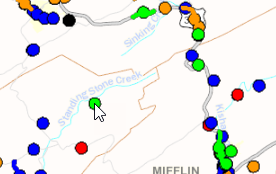
Click the project, bridge, or HOP within the map. This example uses a Project Detail Report.
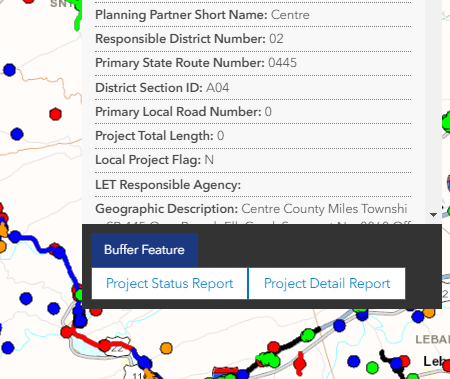
The identify window will appear with the link to the report displayed at the bottom in the external links section.